Build Your Annual Meeting Agenda in the Fourwaves App
Fourwaves recently developed an app that is dedicated to navigating the Annual Meeting program schedule on iOS or Android devices.
The Fourwaves app includes:
- The full program, by day and by track, searchable by keyword or speaker.
- A personal agenda: attendees bookmark sessions and presentations in two taps.
- The list of presentations with their abstract and materials: posters, slides, images and videos.
- The participant list, with names, affiliations, bios and photos.
- Works offline: program, agenda and abstracts stay available in a venue without wifi, then resync when the connection returns.
- The mobile app also syncs automatically with the event program, sessions, and registrations, so attendees will see the latest event information in the app.
The Fourwaves app does not include all the meeting information (eg, FAQ and General Information), though you can view all information on the Conference Platform using a web browser.
Build your personalized Annual Meeting agenda in the Fourwaves app
Once you’ve downloaded the conference app, search the program for sessions you’d like to add to your agenda.
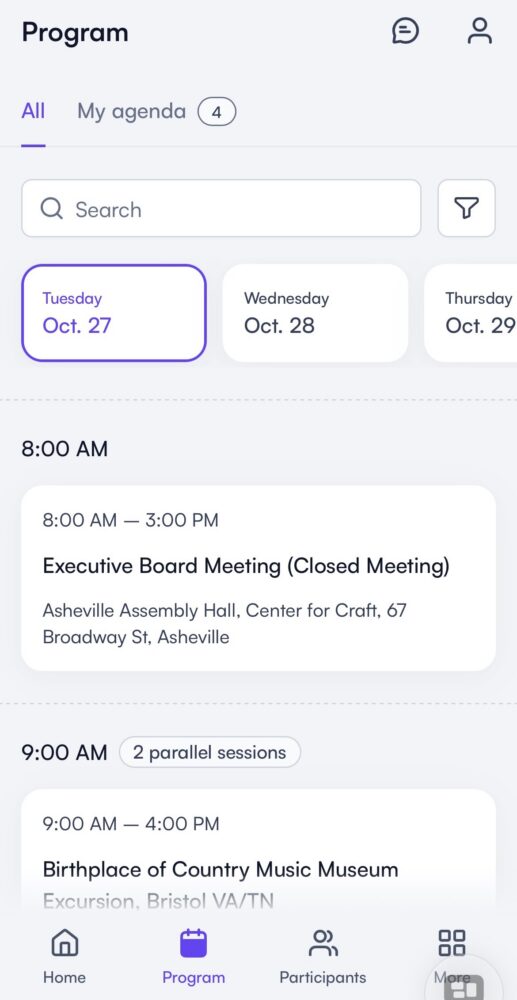
Once you’ve located a session you want to attend, click on it to open up the detail page, and click “add to agenda.”
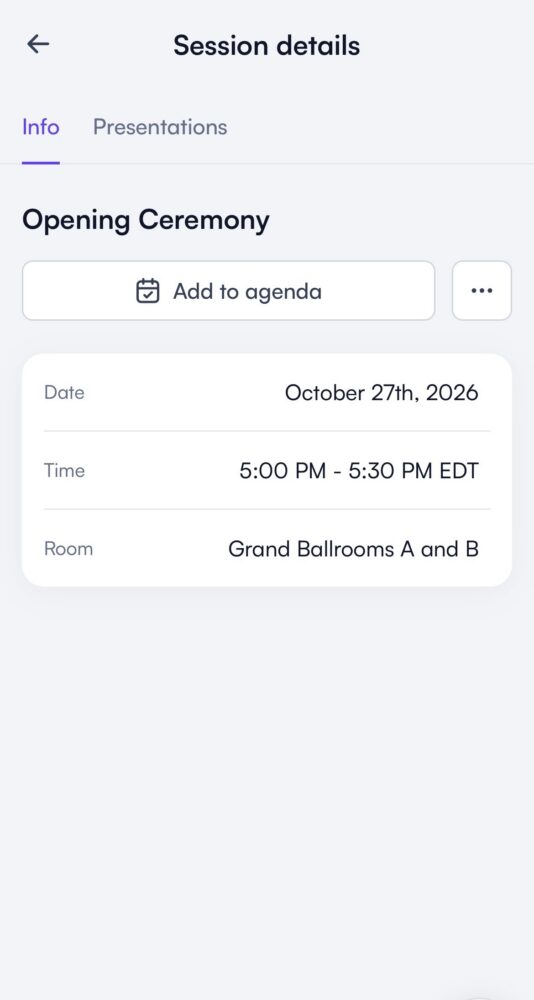
Once you’ve added the session to your agenda, the calendar icon will turn purple, a checkmark will appear within the calendar icon, and the text will read “in my agenda.”
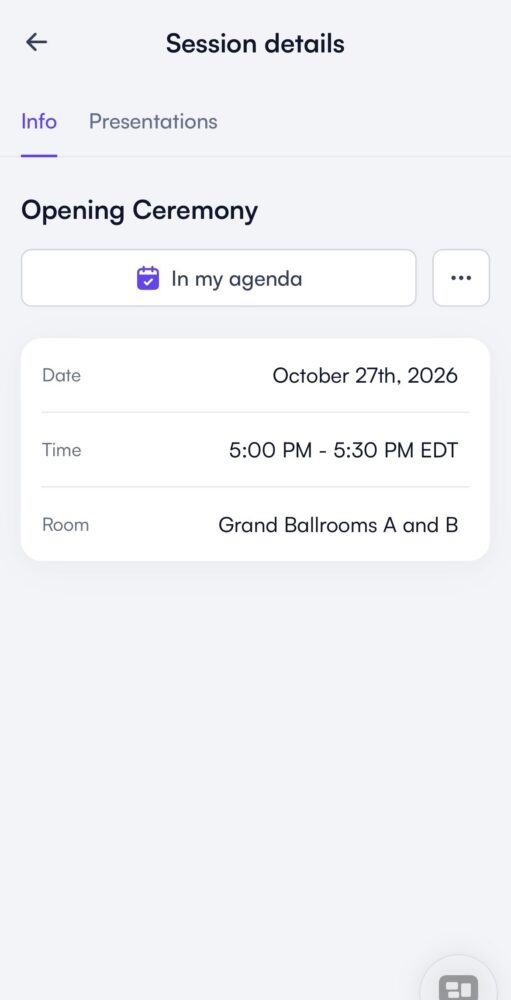
Once you’ve added items to your agenda, click “My Agenda” on the Program tab to see your personalized conference agenda.
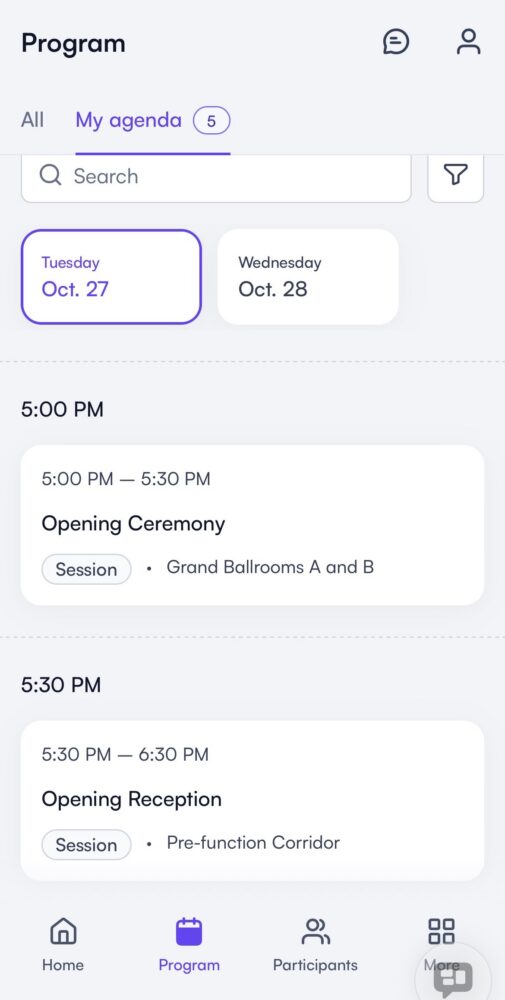
Click on each day to view detail of your daily agenda.
Learn more about Fourwaves on the 4W FAQ page on the conference platform.
We sometimes make mistakes, and we are happy to correct any errors that you may come across on our site. If you find an error, please let us know using the “submit a correction” link.